Leapsomes Produkt-Updates: Ziel-Trigger, stundenbasiertes PTO-Tracking und Lernpfad-Updates

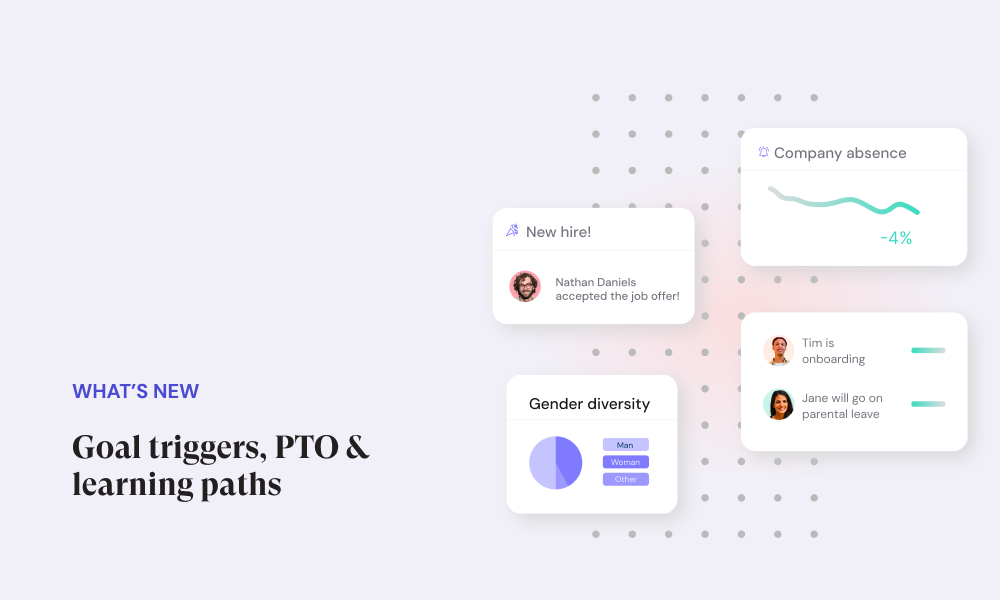
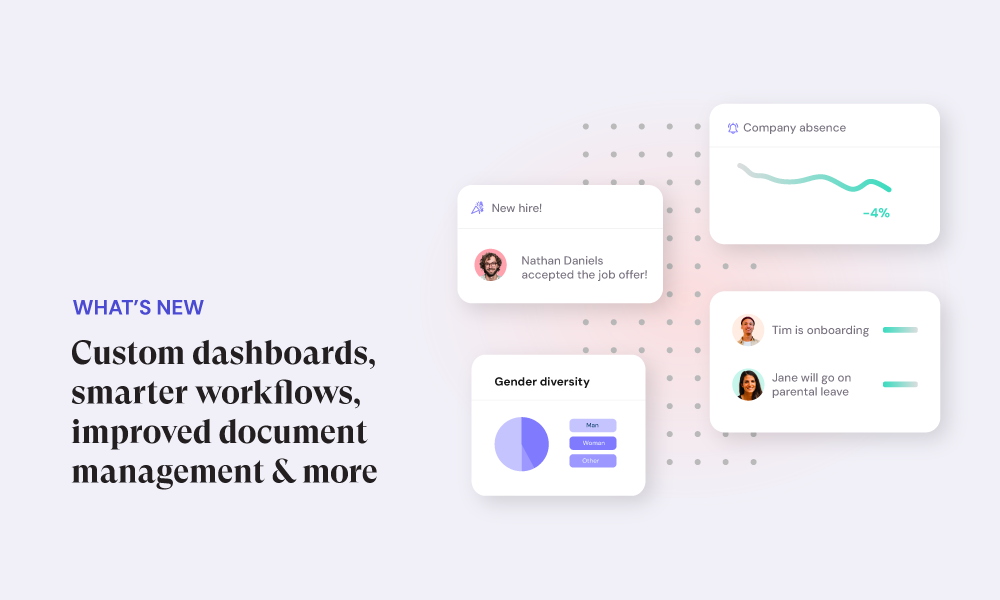
Diesen Monat führen wir zielbasierte Workflow-Trigger, stundenbasiertes PTO-Tracking und mehrere Updates in den Bereichen Analytics, Umfragen, Lernen und Leapsome AI ein. Zusammen helfen diese Änderungen Teams dabei, Follow-ups zu automatisieren, flexible Arbeitsarrangements präziser abzubilden und einen klareren Überblick über People-Daten zu gewinnen.
🧩 Plattform
Form Builder
Der Form Builder ermöglicht euch, strukturierte Formulare für eine Vielzahl von HR-Prozessen zu erstellen, darunter Entwicklungspläne, PIPs, Onboarding-Pläne und Antragsformulare wie Lernbudgets oder Gehaltswechsel. Jedes Formular enthält klare Eigentümerschaft, Genehmigungsschritte und Sichtbarkeitseinstellungen, sodass Anfragen nicht in Tools oder Posteingangschaos verschwinden.
Formulare können sowohl für einmalige Einreichungen als auch für laufende Prozesse genutzt werden. Bei langfristigen Formularen wie Entwicklungsplänen bleibt der Fortschritt über die Zeit sichtbar, statt in statischen Dokumenten eingesperrt zu sein.
Laufende Formulare sind außerdem direkt mit Zielen und Lerninhalten verknüpft. Das hält Entscheidungen, Fortschritt und Entwicklungsaktivitäten aufeinander abgestimmt, ohne Informationen zu duplizieren oder zwischen Systemen zu wechseln.
🎥 So funktioniert es
.png)
Best-Practice-Bibliothek für Analytics-Widgets und Berichte
Startet mit bewährten Analytics-Setups. Die neue Widget- und Berichtsbibliothek gibt euch Zugang zu kuratierten Best-Practice-Analytics-Konfigurationen. Ihr könnt Widgets oder Berichte auswählen, die euren Anforderungen entsprechen, sie bei Bedarf anpassen und sofort loslegen, ohne Zeit damit zu verbringen, Dashboards von Grund auf zu erstellen. Das hilft Teams, schneller einen Mehrwert aus Analytics zu ziehen, und bietet einen klaren Ausgangspunkt für häufige HR-Fragen.

🤖 Leapsome AI
Review-Assistent zeigt vergangene Meeting-Notizen, Ziele und Instant Feedback
Der AI-Review-Assistent zeigt jetzt relevante vergangene Meeting-Notizen, Ziele und Instant Feedback direkt im Review-Ablauf. Das gibt Bewertenden Zugang zu unterstützenden Informationen aus dem gesamten Review-Zyklus während sie schreiben, ohne manuell verschiedene Bereiche der Plattform durchsuchen zu müssen.
Die angezeigten Inhalte sind sorgfältig eingegrenzt. Sie beziehen sich auf die bewertete Person, sind relevant für die spezifische Review-Frage oder Kompetenz, liegen innerhalb des aktuellen Zyklus und sind für die Bewertenden basierend auf ihren Rechten sichtbar. Das stellt sicher, dass die gezeigten Informationen angemessen und direkt mit der zu schreibenden Beurteilung verknüpft sind. Indem dieser Kontext an einem Ort zusammengeführt wird, reduziert der Review-Assistent die manuelle Suche und hält Reviews in dokumentierten Inputs verankert, die bereits in Leapsome verfügbar sind.
.png)
KI-Dashboard-Insights
Jedes Analytics-Dashboard-Widget enthält jetzt eine KI-generierte Zusammenfassung. Diese Zusammenfassungen heben wichtige Trends und bemerkenswerte Veränderungen in den im Widget angezeigten Daten hervor. Die Zusammenfassung wird pro Widget generiert und neben dem Diagramm angezeigt. Sie liefert eine schriftliche Erklärung dessen, was in den Daten passiert, ohne die zugrundeliegenden Metriken, Filter oder Berechnungen des Widgets zu verändern.
.png)
Meeting Coach
Der Meeting Coach liefert Erkenntnisse auf Basis von Meeting-Transkripten. Er analysiert Beteiligungsmuster und Interaktionsdynamiken und präsentiert objektive Signale darüber, wie Meetings verlaufen. Diese Erkenntnisse werden angezeigt, ohne den Meeting-Inhalt selbst zu verändern. Das Feature konzentriert sich auf die Darstellung von Beteiligungsdaten und Dynamiken aus Transkripten und hilft Teams dabei, Meeting-Muster über die Zeit zu überprüfen.
.png)
🔁 HRIS – Workflows
Neue Ziel-Event-Trigger in Workflows
Workflows können jetzt durch zielbezogene Events ausgelöst werden. Konkret können Workflows starten, wenn ein Ziel erstellt wird, wenn ein Ziel aktualisiert wird oder wenn ein Ziel über einen definierten Zeitraum nicht aktualisiert wurde. Diese zielbasierten Trigger können bei der Konfiguration eines Workflows neben bestehenden Trigger-Optionen ausgewählt werden. Nach der Einrichtung läuft der Workflow automatisch, sobald das ausgewählte Ziel-Event eintritt, ohne dass eine manuelle Aktion erforderlich ist. Ziel-Event-Trigger ermöglichen es Workflows, direkt auf Veränderungen in der Zielaktivität zu reagieren. Das macht es möglich, zielbezogene Events mit Folgeschritten, Benachrichtigungen oder Anfragen im Workflow-Builder zu verknüpfen, unter Verwendung derselben Struktur und Steuerungsmöglichkeiten wie bei anderen Workflow-Triggern.
.png)
Neuer Schritttyp: Instant Feedback-Anfrage senden
Ein neuer Workflow-Schritt steht zum Versenden von Instant Feedback-Anfragen zur Verfügung. Dieser Schritt kann an beliebiger Stelle in einem Workflow ergänzt und genauso konfiguriert werden wie andere Workflow-Aktionen. Wenn der Workflow diesen Schritt erreicht, wird automatisch eine Instant Feedback-Anfrage versendet. Die Anfrage wird als Teil der Workflow-Ausführung erstellt und zugestellt, ohne dass jemand sie manuell aus dem Feedback-Bereich senden muss. Dieser neue Schritt erweitert den Aktionsbereich in Workflows und ermöglicht es, Feedback-Anfragen direkt in automatisierte Prozesse einzubinden. Die Feedback-Anfrage folgt der bestehenden Instant Feedback-Logik und den vorhandenen Rechten.
🏕️ HRIS – Abwesenheiten
Urlaub auf Basis geleisteter Stunden ansparen
Das Ansparen von Urlaubsanspruch kann jetzt auf Basis geleisteter Stunden berechnet werden. Das ergänzt Anspar-Modelle, die an feste Zeitpläne oder statische Ansprüche gekoppelt sind. Wenn das stundenbasierte Ansparen aktiviert ist, werden Urlaubsguthaben automatisch auf Basis erfasster Arbeitsstunden aktualisiert. Die Anspar-Logik greift konsistent über die Zeit und stellt sicher, dass Guthaben die zugrundeliegenden Stundendaten widerspiegeln. Urlaubsguthaben bleiben sowohl für Mitarbeitende als auch für HR-Teams sichtbar, wobei die Ansparmethode klar in der Berechnung ausgewiesen wird. Dieses Update betrifft die Berechnung des Anspruchs; das bestehende Abwesenheits-Tracking und die Sichtbarkeit bleiben unverändert.
.png)
📊 Umfragen
Intelligentes Fragen-Sampling für Umfragen
Umfragen beinhalten jetzt eine Option für Fragen-Sampling. Wenn aktiviert, sendet das System an jede teilnehmende Person eine zufällig ausgewählte Teilmenge von Fragen aus dem vollständigen Fragebogen. Das Sampling erfolgt automatisch zum Zeitpunkt des Versands. Jede teilnehmende Person erhält weniger Fragen, während die Antworten aller Teilnehmenden zusammen die vollständige Fragenauswahl der Umfrage abdecken. Diese Einstellung kann pro Umfrage konfiguriert werden. Fragen-Sampling ändert nicht, wie Antworten erfasst oder ausgewertet werden; alle Antworten werden in derselben Umfrageergebnisansicht gespeichert und analysiert.
.png)
📚 Lernen
Verbesserungen bei Lernpfad-Karten
Lernpfad-Karten wurden mit einer klareren visuellen Struktur und verbesserter Navigation aktualisiert. Wichtige Aktionen sind jetzt direkt auf der Karte sichtbar, was die Notwendigkeit reduziert, mehrere Ansichten zu öffnen, um den Status eines Lernpfads zu verstehen. Die aktualisierten Karten machen es einfacher, zwischen laufenden Lernpfaden, abgeschlossenen Pfaden und Live-Trainings zu unterscheiden. Die Navigation zwischen diesen Zuständen wurde vereinfacht, damit Nutzende direkter zwischen ihnen wechseln können. Diese Änderungen betreffen die Darstellung und Navigation von Lernpfaden; die zugrundeliegenden Lerninhalte und die Abschluss-Logik bleiben unverändert.
.png)
Quiz-Analytics auf Teilnehmerebene
Quiz-Analytics sind jetzt auf Teilnehmerebene verfügbar. Diese Ansicht zeigt individuelle Quiz-Ergebnisse, einschließlich Punktzahlen, Versuchen und Fortschritt, an einem Ort. Die Ansicht auf Teilnehmerebene ergänzt bestehende aggregierte Quiz-Analytics. Sie ermöglicht die Überprüfung von Ergebnissen pro Person, ohne zwischen mehreren Berichten oder Filtern wechseln zu müssen. Alle in dieser Ansicht angezeigten Quiz-Daten folgen denselben Bewertungs- und Tracking-Regeln, die bereits im Lernmodul verwendet werden.
.png)
🌟 Neugierig auf das, was noch kommt?
Schaut euch unsere öffentliche Roadmap an, um zu sehen, woran wir als nächstes arbeiten.
🗃️ Jetzt für unser Januar-Webinar anmelden
Erfahrt, wie ihr eure HR-Daten für 2026 vorbereitet und Klarheit über den Employee-Lifecycle schafft. Hier registrieren
💡 Fragen?
Meldet euch über den Hilfe-Button in der Plattform, das Kontaktformular oder unser Success Center.
🪄 Bereit, eure HR-Prozesse zu vereinfachen?
Entdeckt, wie Leapsomes All-in-one-Plattform euch hilft, skalierbare Workflows, verwertbare Erkenntnisse und eine besser vernetzte Employee Experience zu schaffen.
👉 Demo buchen
Leapsome Team

%20(1).png)
.png)